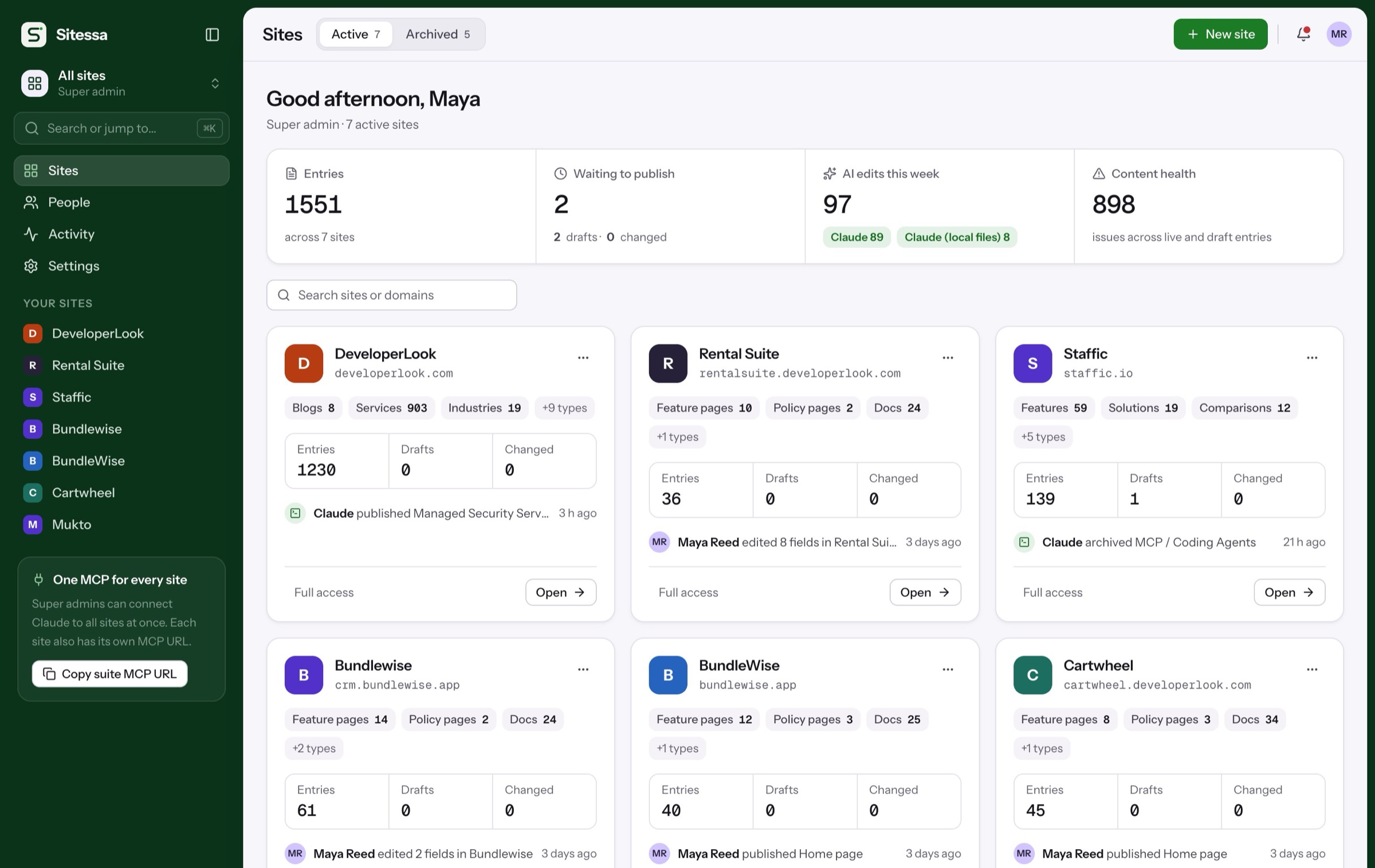
One model for the whole product site.
Marketing pages, docs, pricing, a changelog and the content inside your app, all in one place. Your AI drafts. Your team reviews and publishes.
Sound familiar
Four product-site headaches.
Pick one to jump to the step that fixes it.
Copy changes queue behind dev work
A typo fix waits for the next sprint.See step 302Docs and changelog live in other tools
Three places to update for one release.See step 203AI writes off-brand copy
Every draft needs a rewrite before it ships.See step 404The app needs the same content
Plan names and feature lists get copied by hand.See step 5How it works
Five steps, on the real app.
From the content model to your app fetching it. The ring marks what to click.
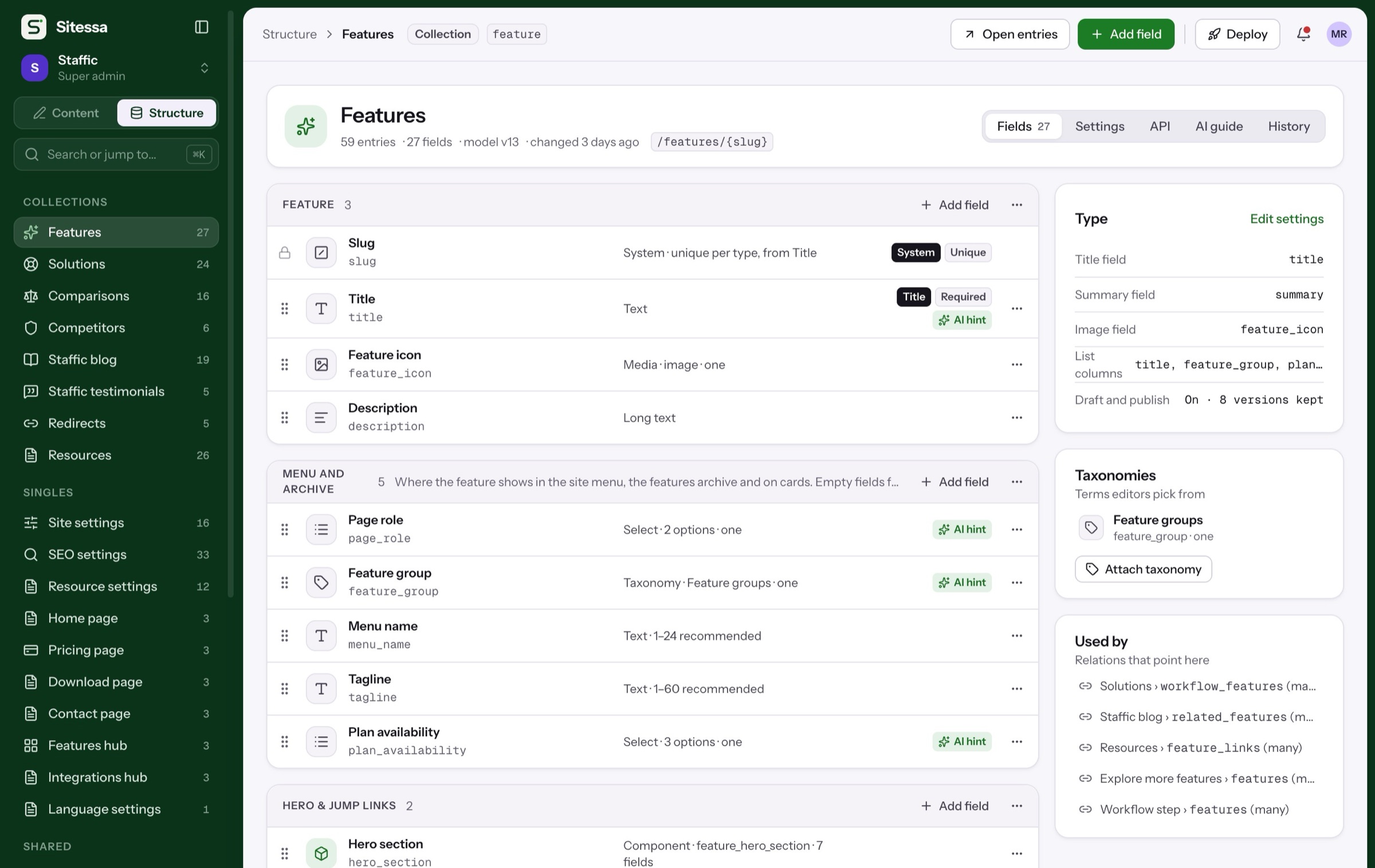
One model for the whole site.
Pages, docs, pricing plans, FAQs and a changelog are content types you define. Add a field when the product grows, and bring back an older model version if it goes wrong.
Fixes 01: hard-coded pages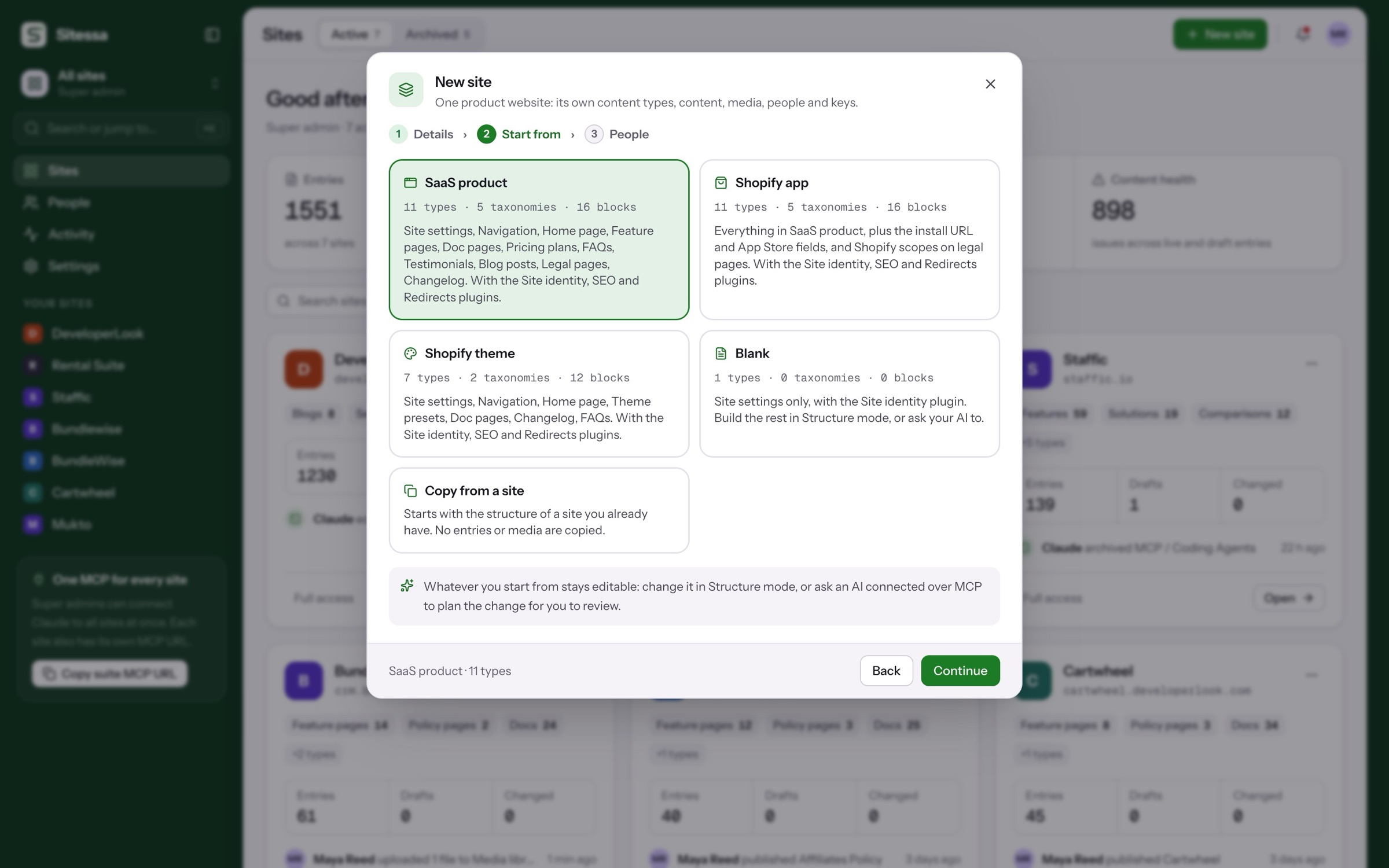
Where to start
Start from the SaaS template.
Or a blank site, or the structure of one you already have. Everything stays editable.
A full product site: features, docs, pricing, blog and changelog.
Members and roles
Who can change what.
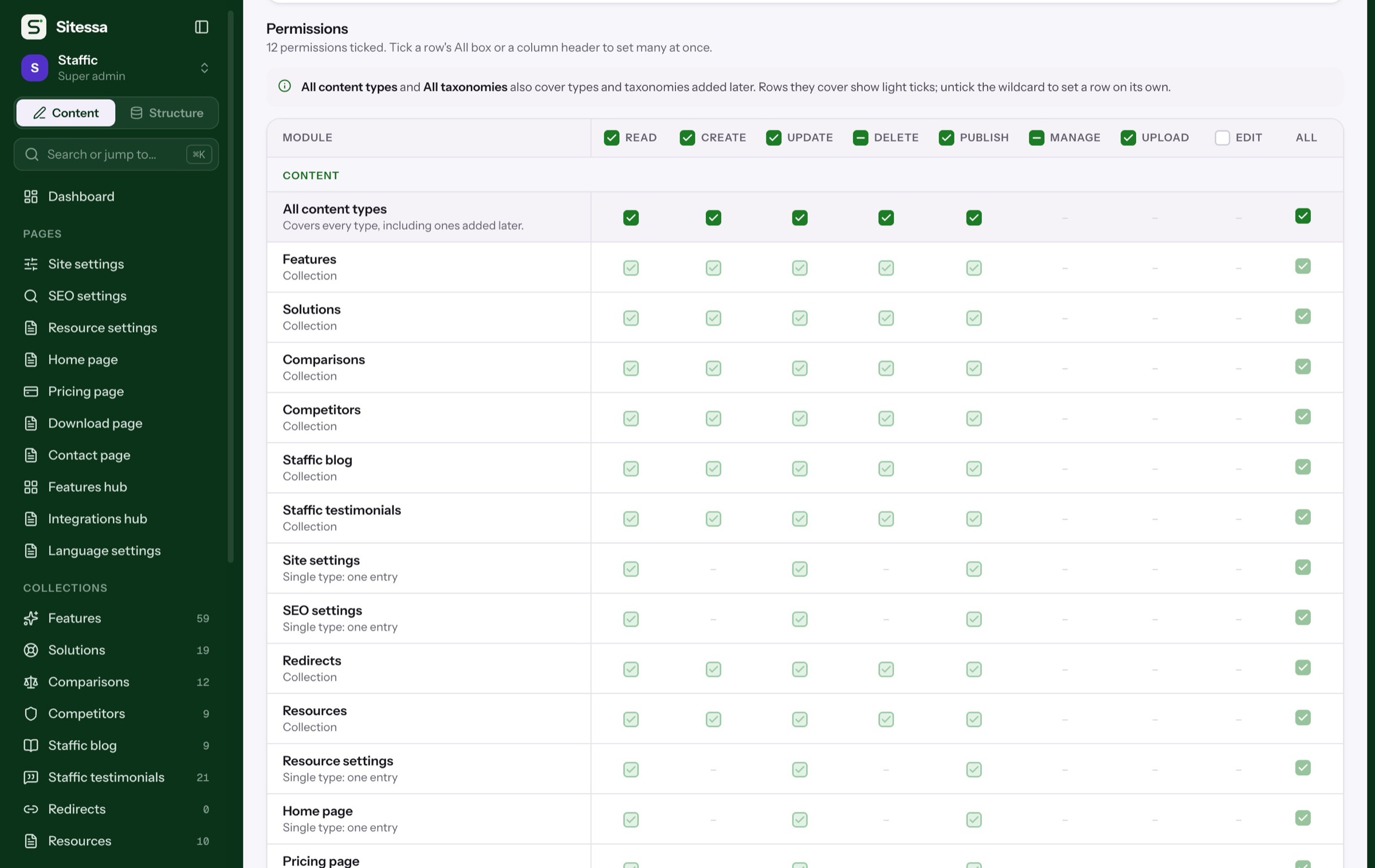
Start with Admin, Editor and Viewer, or make your own for each part of the team.
Simplified. The real matrix sets read, create, update, delete and publish for every content type, plus taxonomies, media, structure, settings and members.
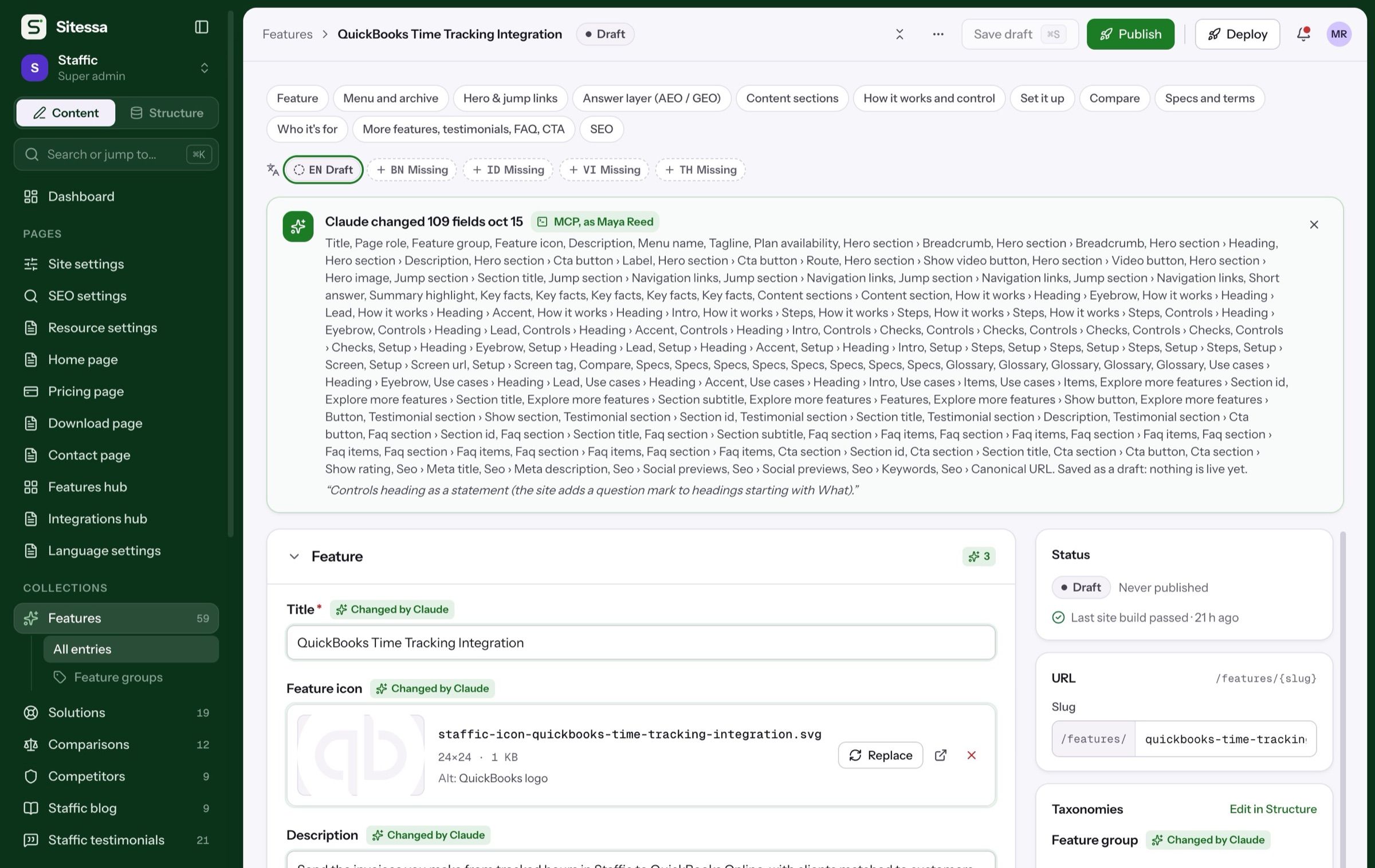
AI house rules
Your voice, kept.
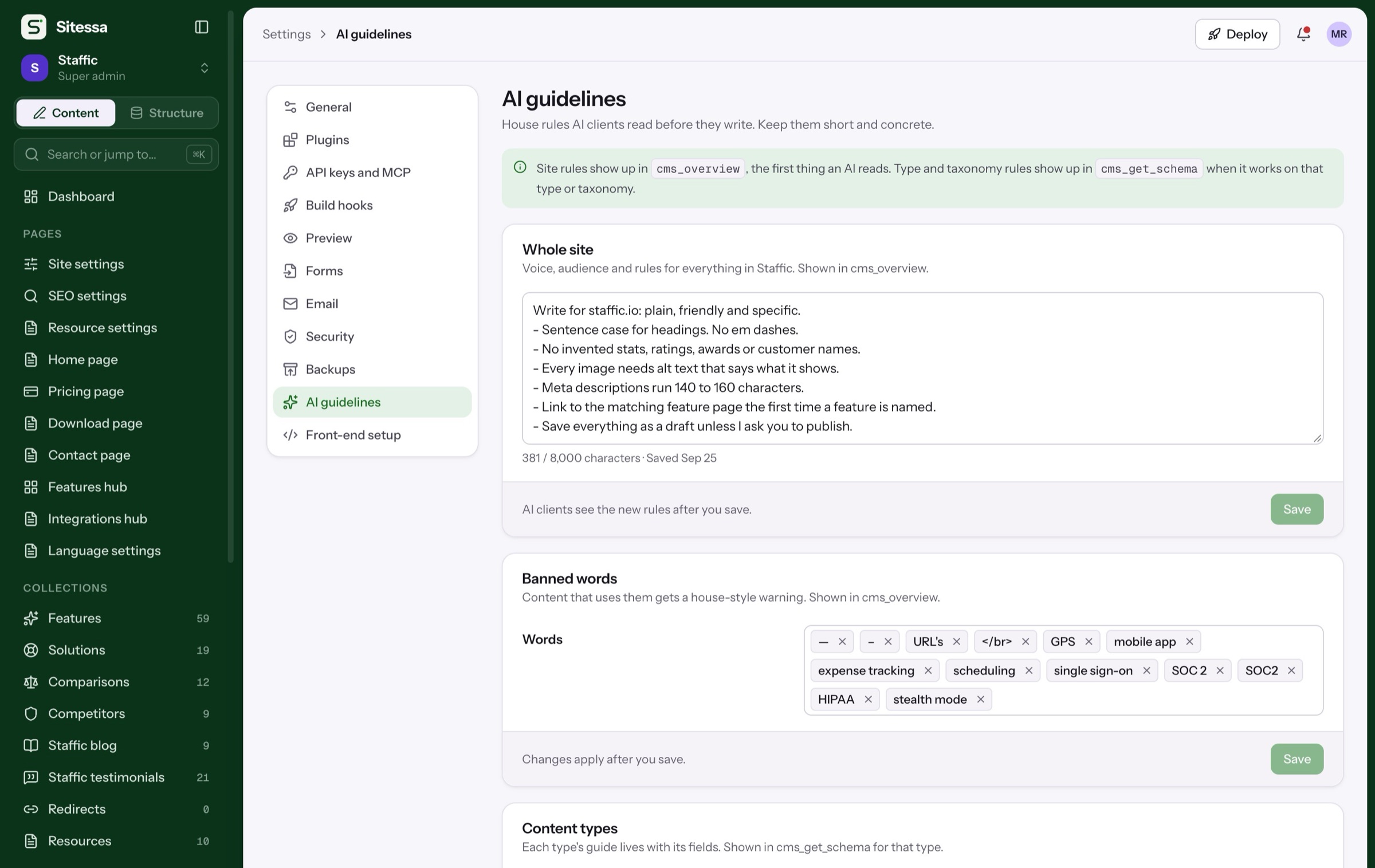
Every site has its own house rules and banned words. They are the first thing an AI app reads.
Example rules. Each site writes its own in Settings › AI guidelines.
In use
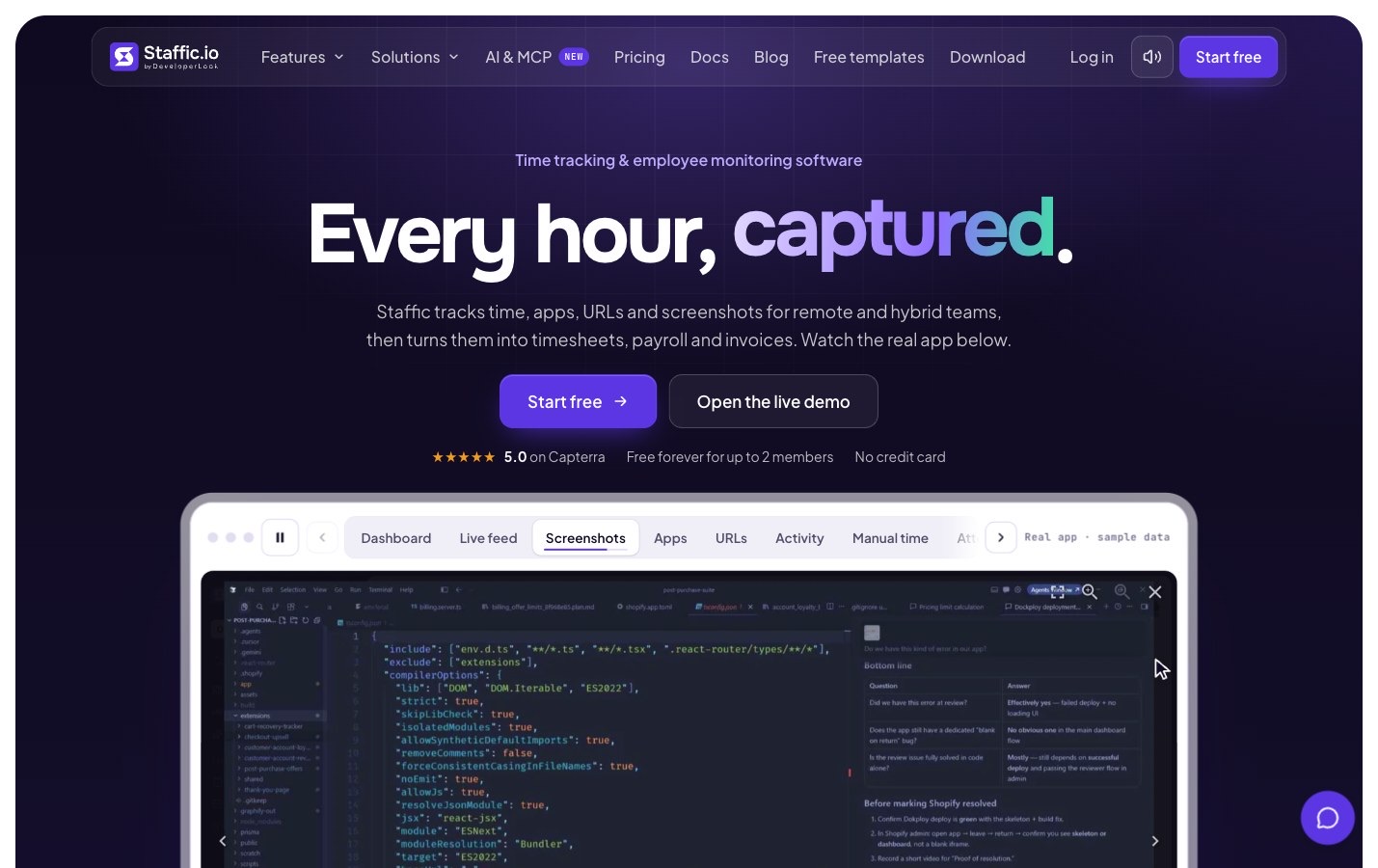
Staffic’s site runs on it.
Staffic is a SaaS product by DeveloperLook. Its site, docs and comparisons live in one Sitessa site. Real numbers.
Plans
Tell us about your product.
Business use is on the Business plan. Tell us how many people edit your site.
- Every feature on every site
- Roles per content type
- An API for your app
Can the same content feed our site and our app?
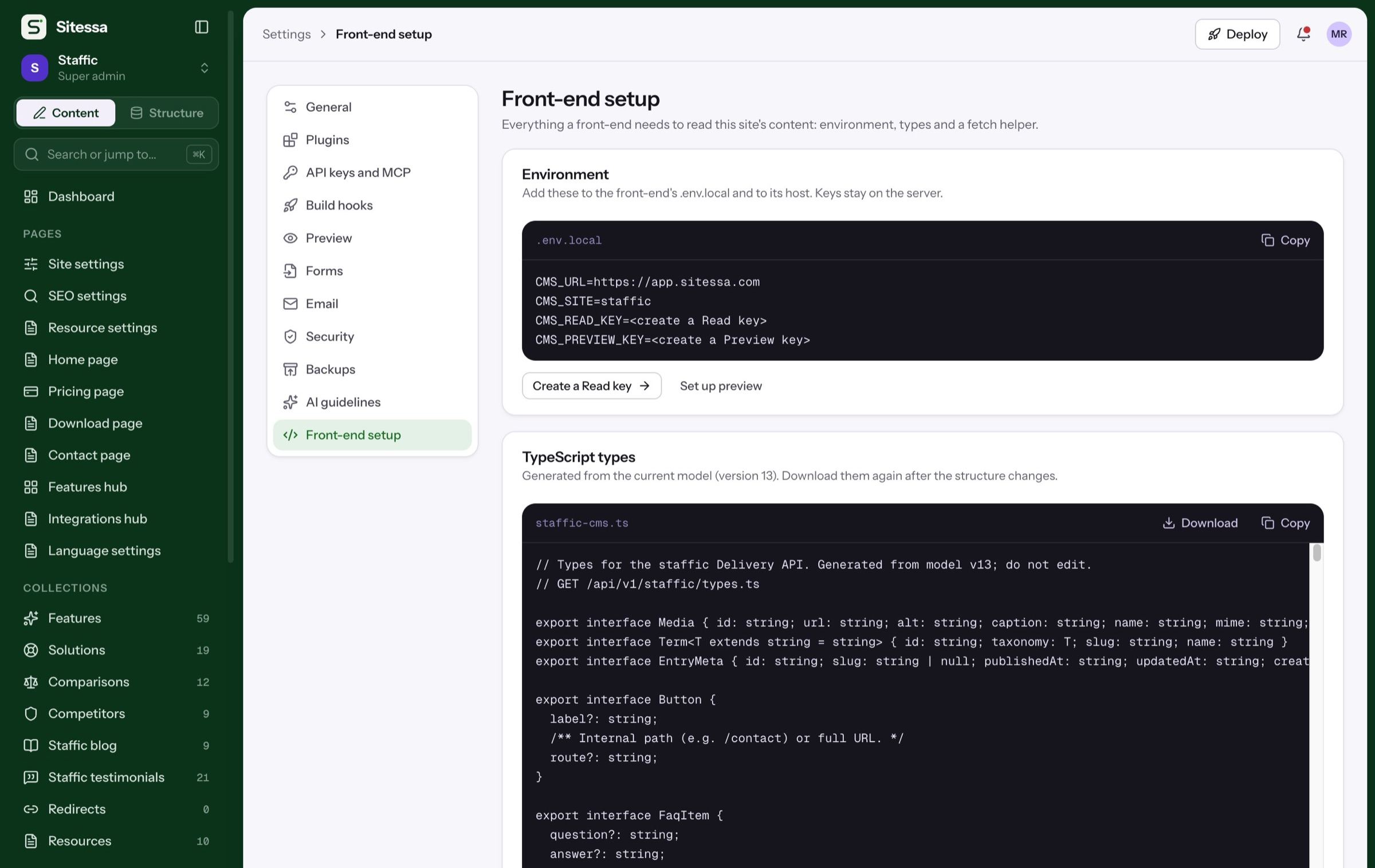
Yes. The Delivery API reads published entries with a read key, and the model is available as TypeScript types.
Where do the docs and changelog go?
They are content types in the same site. The SaaS template starts with doc pages and a changelog.
Can AI publish for us?
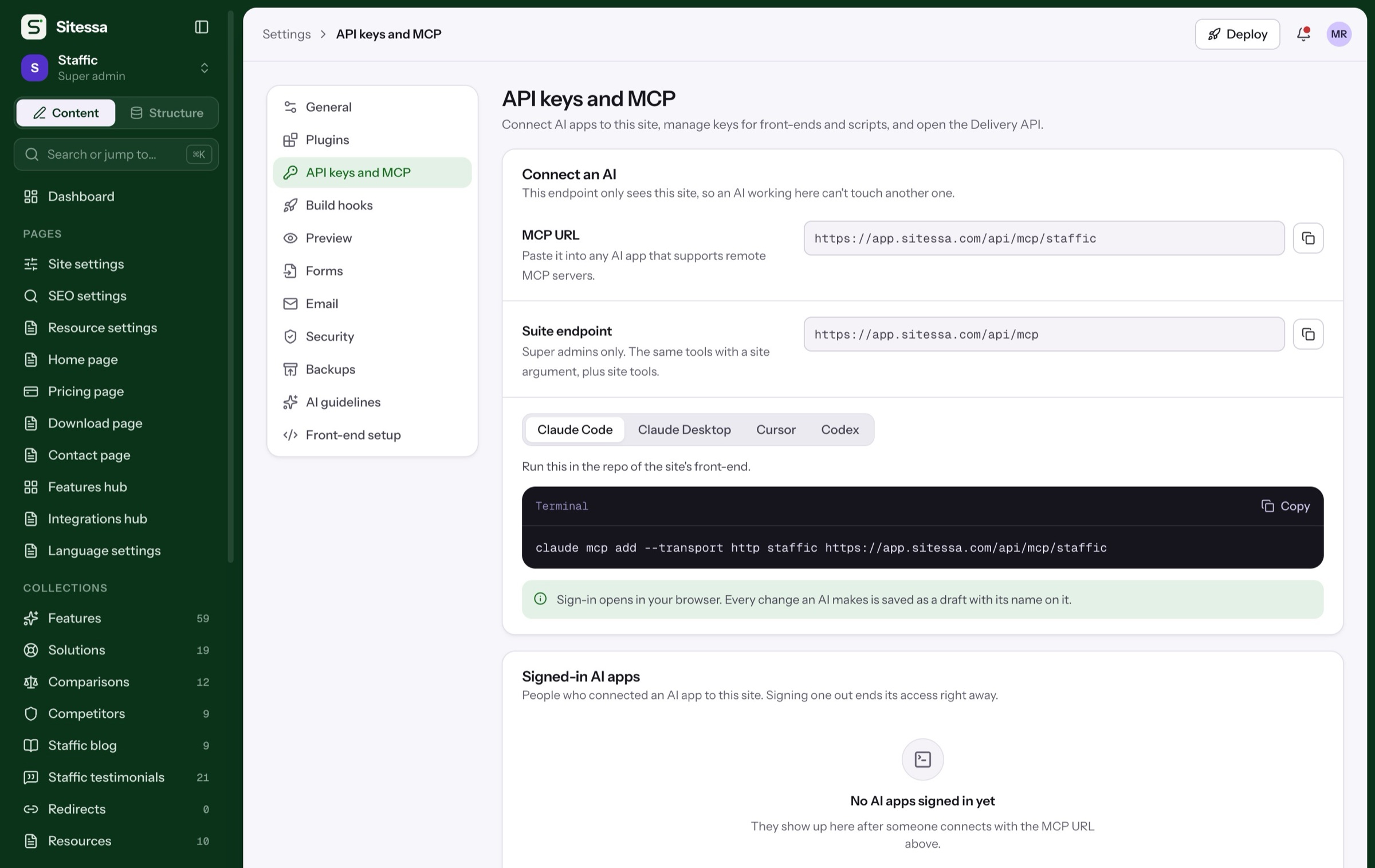
No. AI apps save drafts that people review and publish, and every change shows which app made it.
Will it work with our front-end?
Any front-end that can fetch JSON. There is a typed fetch helper for Next.js.
Can we move off it later?
Each site has nightly encrypted backups and an export you can download, and the model is available as JSON.