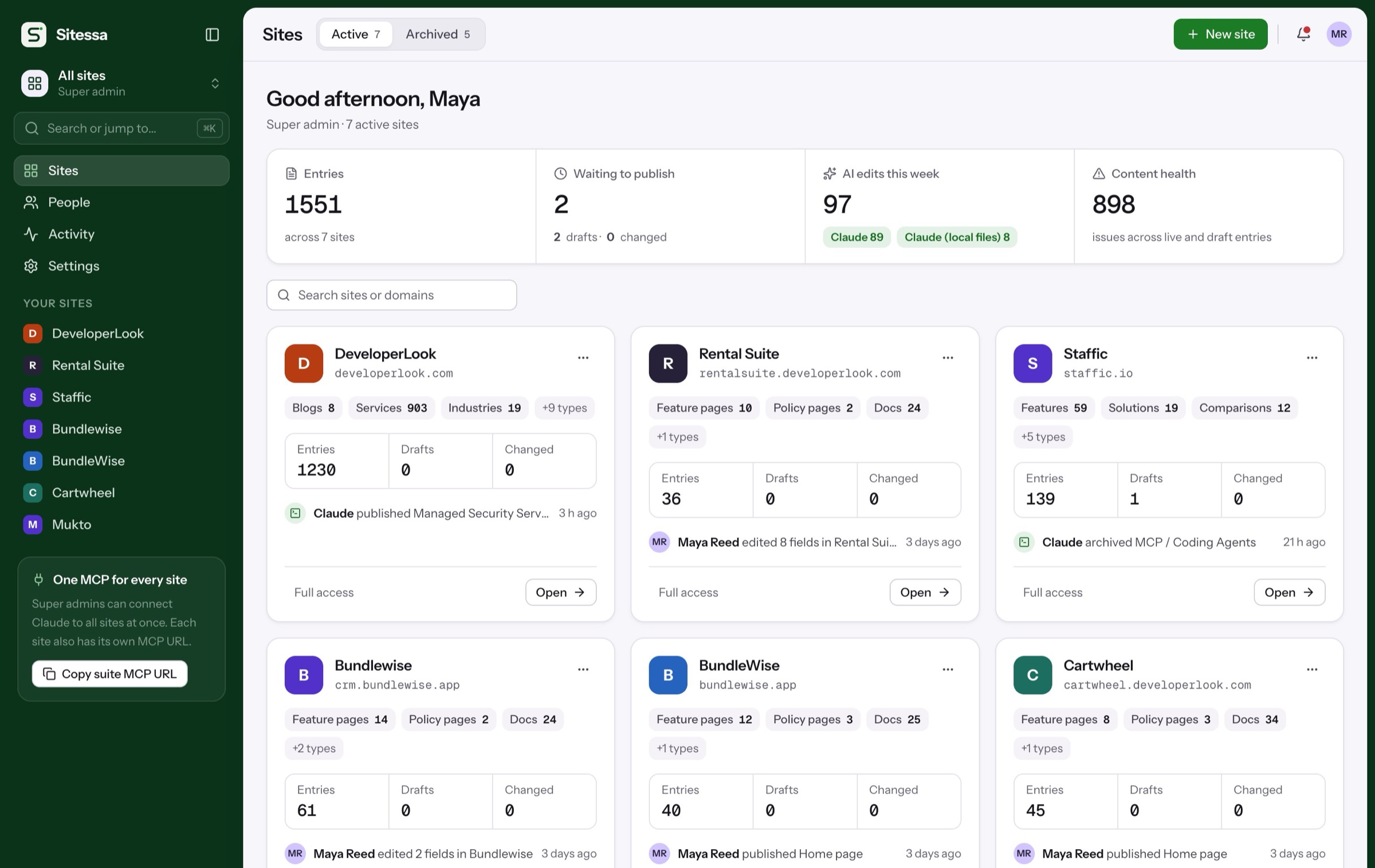
Model content. Without code.
Build collections, single pages, components and taxonomies from 20 field kinds. Every change is a plan you review, and every version can be undone.
Walkthrough
From empty type to live model.
Four screens from Structure, on a real site.
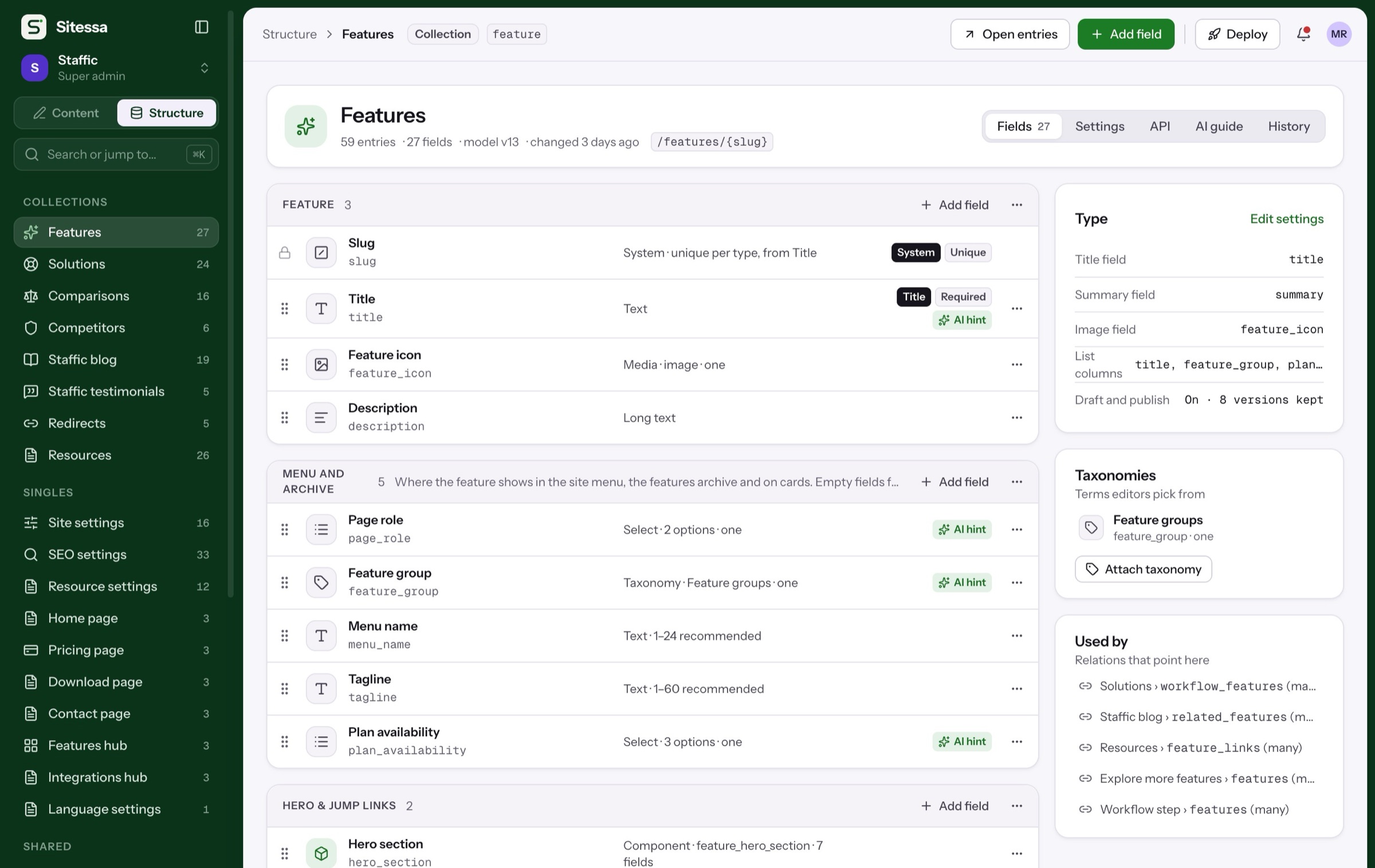
Collections hold many entries, singles hold one. Fields sit in groups that become sections in the editor.
- Collections and singles
- Groups become editor sections
- URL pattern per type
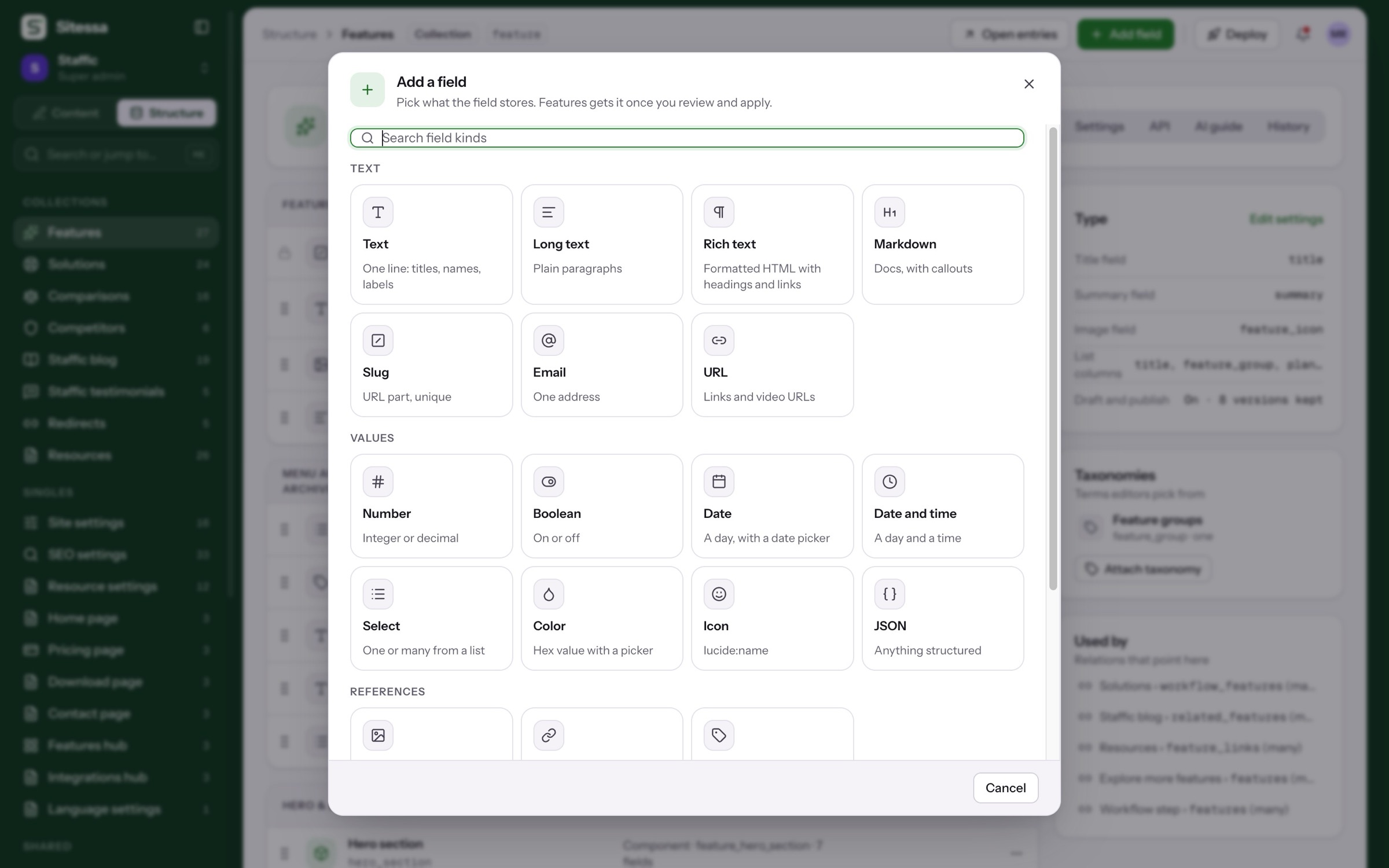
Text, values, references and structure: 20 kinds in four groups, from rich text to blocks.
- Text, rich text, markdown
- Number, date, select, JSON
- Media, relation, taxonomy
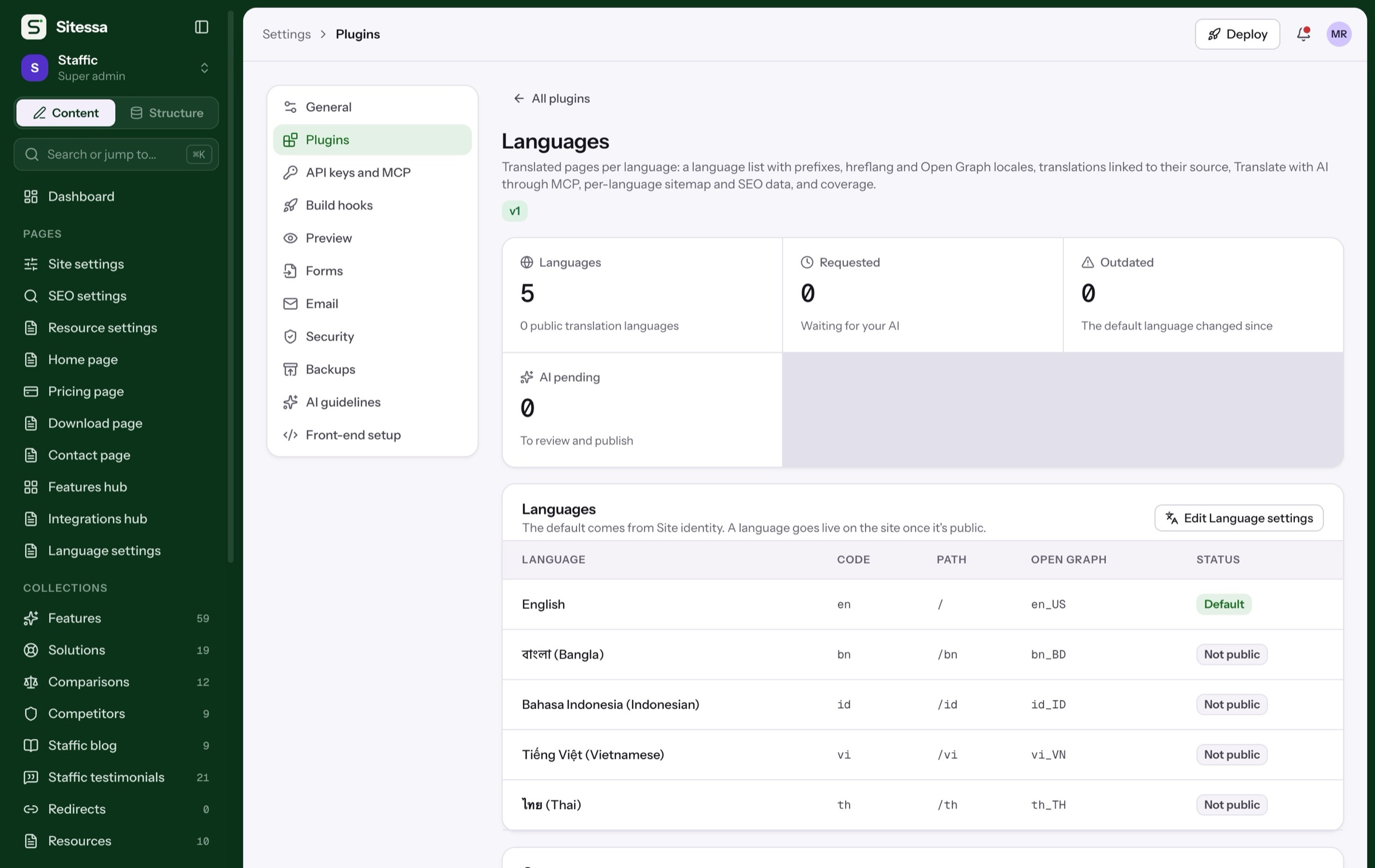
- Components and blocks
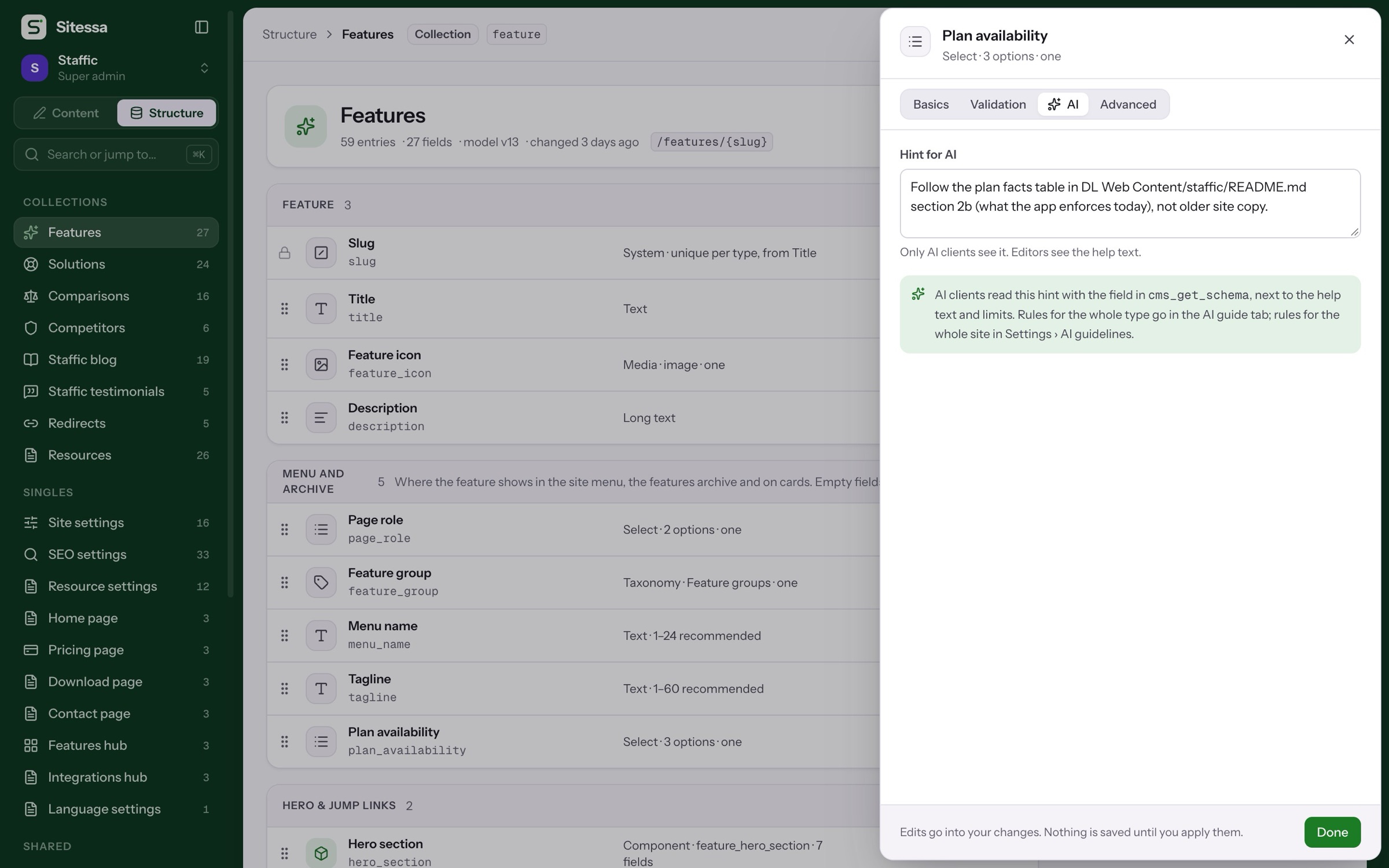
Each field can carry a hint only AI apps see, beside the help text your editors read.
- Up to 2,000 characters
- Returned with the schema
- Versioned with the model
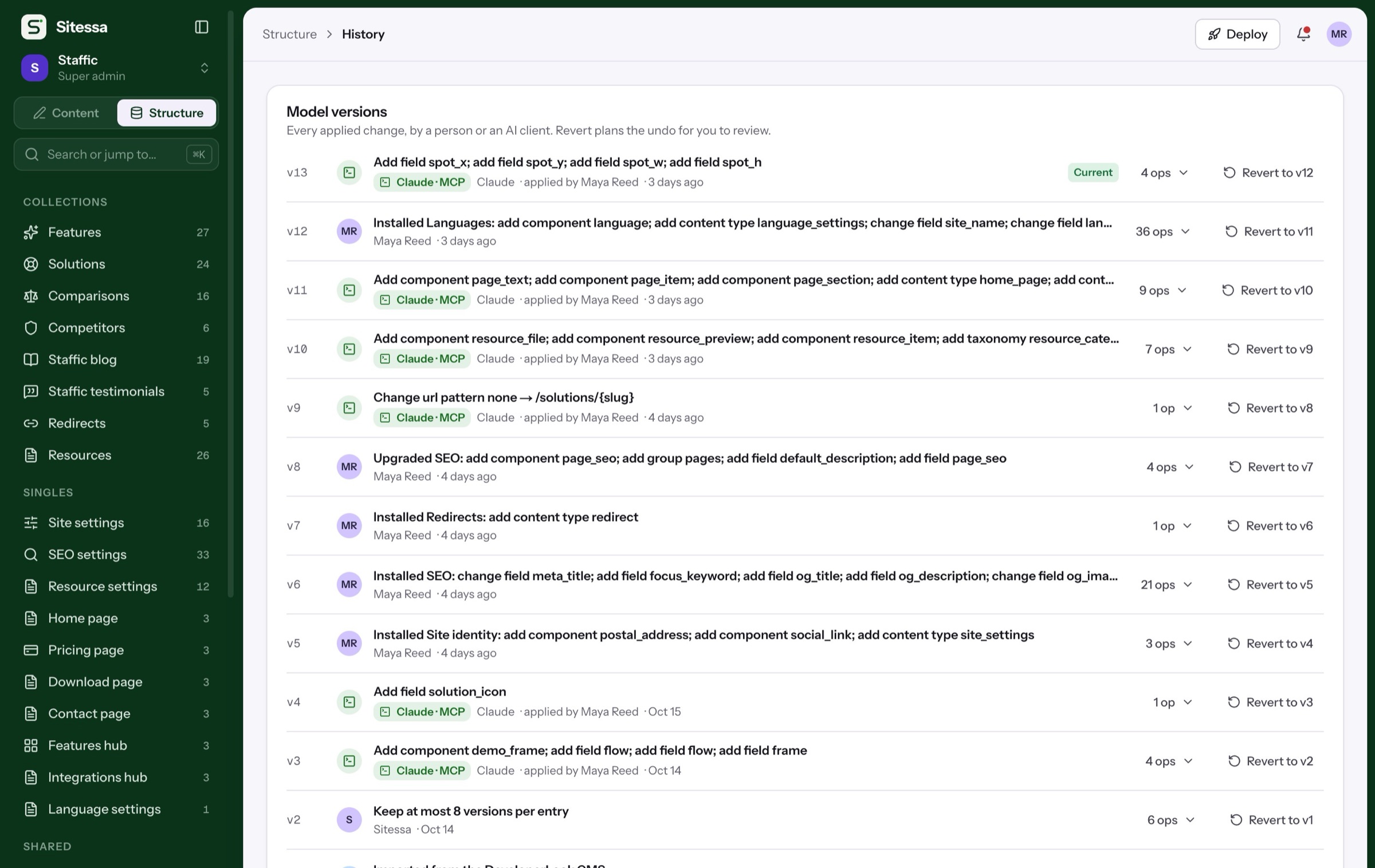
Changes arrive as plans that say what touches stored content. Apply them, or revert any version later.
- Renames move stored values
- Plans from AI wait for review
- Revert makes a new plan
Details
The parts of the model.
- 01Types
Collections and singles
Many entries, like blog posts, or one, like the home page. Singles sit under Pages in the sidebar.
- 02Fields
20 field kinds
Text, long text, rich text, markdown, slug, email, URL, number, boolean, dates, select, color, icon, JSON, media, relation, taxonomy, component and blocks.
- 03Reuse
Components and blocks
Reuse a group of fields anywhere, or let editors stack sections from a set of blocks.
- 04Terms
Taxonomies
Flat or nested terms with their own fields, SEO and URL pattern.
- 05Export
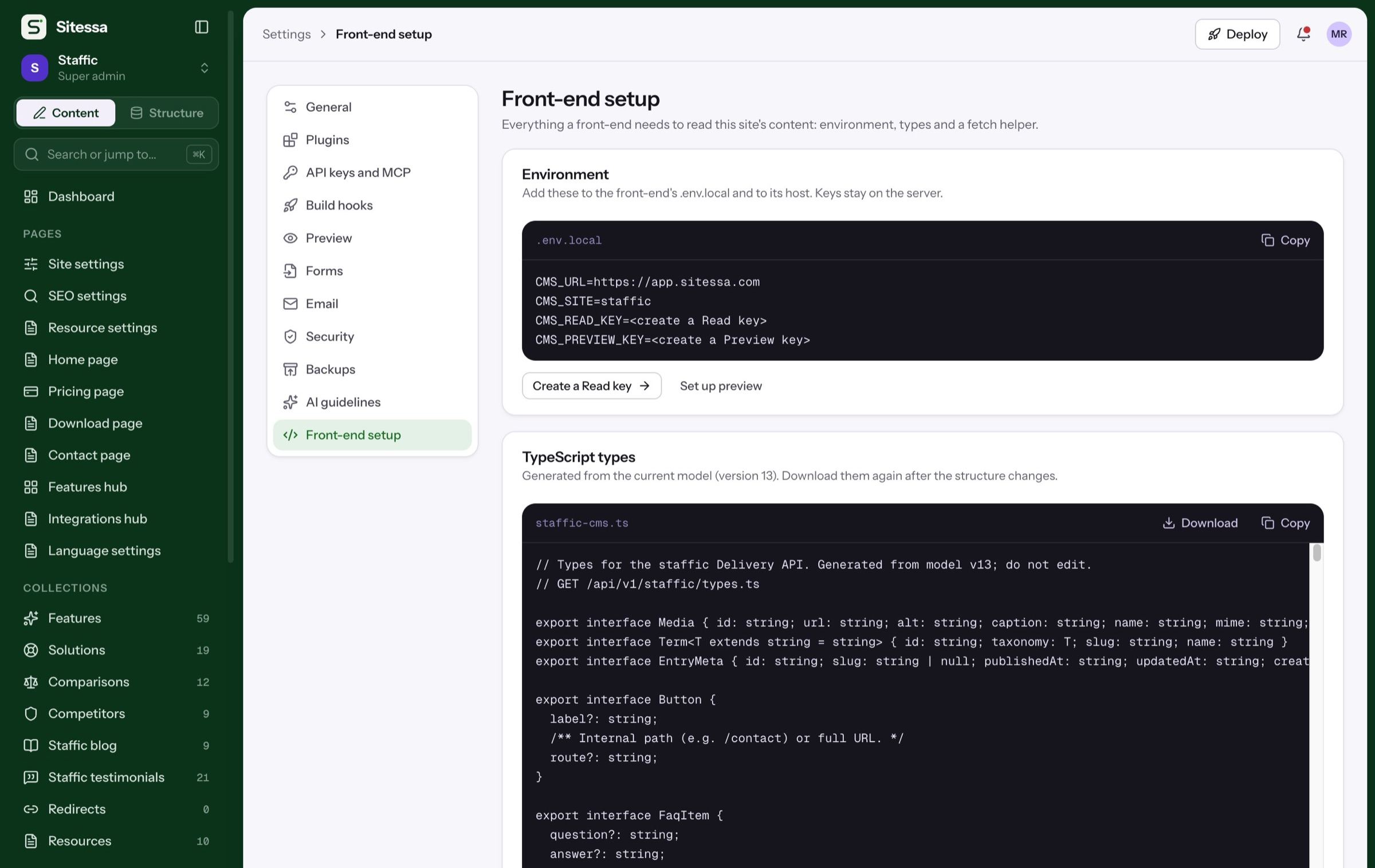
Model as JSON and TypeScript
Copy or download the whole model, and types regenerated on every change.
- 06Start
Starter templates
SaaS product, Shopify app, Shopify theme or blank, or copy the structure of a site you already have.
Can I change a type after it has entries?
Yes. Changes are planned, reviewed and applied. Renames move stored values, and each applied change is a model version you can revert.
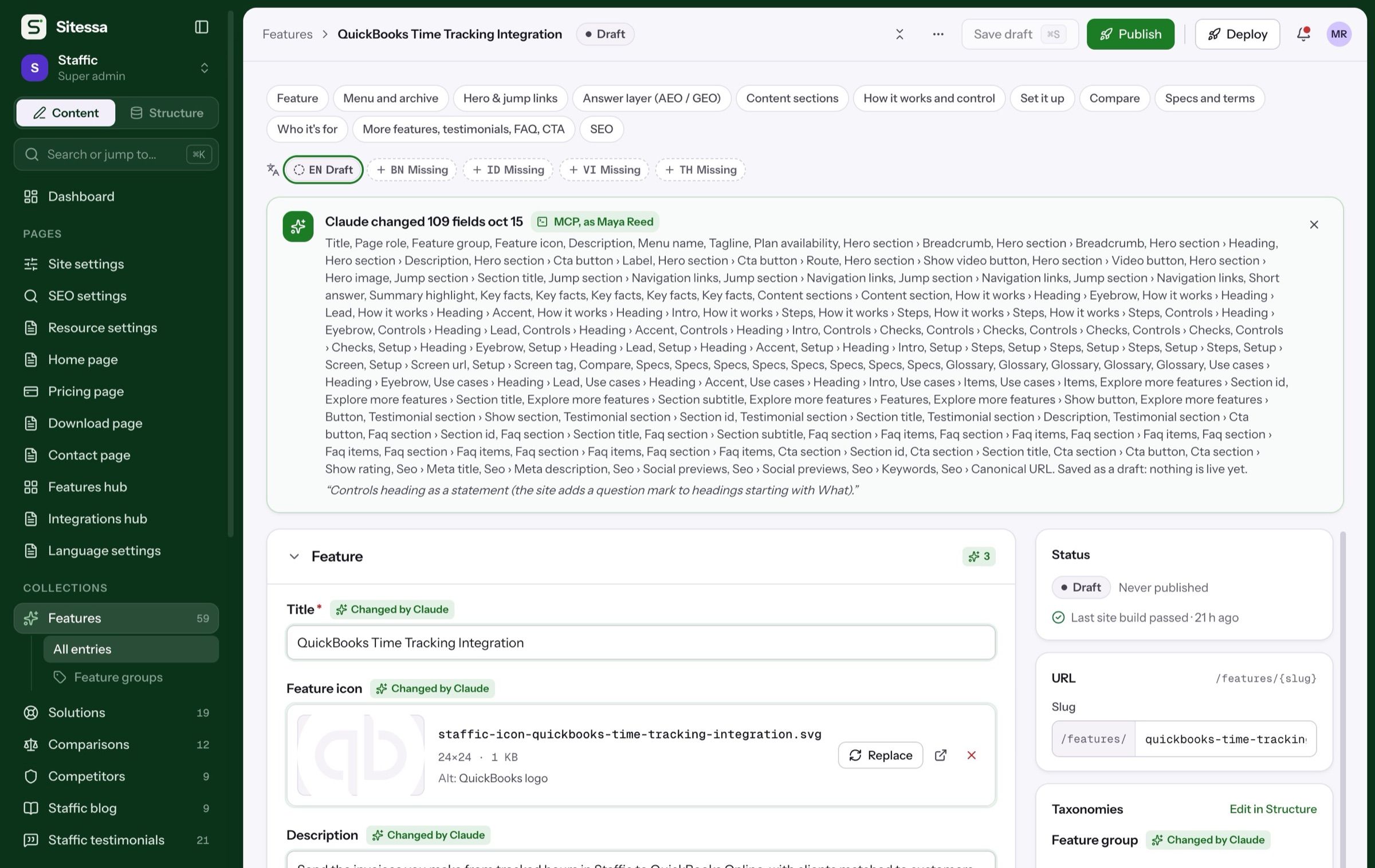
Can AI change the model?
Your AI app can propose a plan over MCP. It changes nothing until a person reviews and applies it in Structure › History.
Can I edit the model as code?
You can copy or download it as JSON and TypeScript. Changes go through a plan, from the Structure screens or from your AI app.
Are there limits on types or fields?
No. Field values have their own limits, like length or min and max, which you set per field.